
Overview:
The Credentialing Manager section is a form for recording the details of your organization’s credentialing manager. Completing this information has no downstream impact on other areas of the platform.
What is a Credentialing Manager?
A Credentialing Manager oversees the verification of provider qualifications and manages enrollment with insurance payors to ensure the organization remains compliant and eligible for reimbursement.
They may take ownership of credentialing alerts in the Dashboard and enrollment workflows in the Provider Module. To learn more about Dashboard alerts and workflows, please see the Dashboard and Enrollments Workflow articles.
Note: Again, this section is optional and does not affect other parts of the system, whether you complete it or skip it.
Adding a Credentialing Manager:
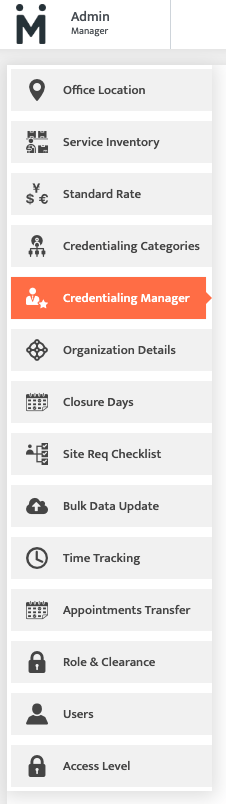
1. Navigate to the Admin Module and select "Credentialing Manager".
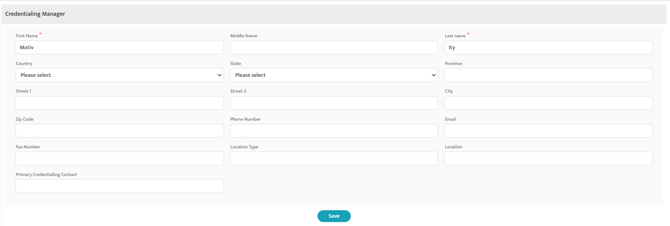
2. Fill in all of the information for your organization's credentialing manager, and then select "Save".
Last Updated:12/04/2025 by Madeline Roznos